Turn your iPhone into a powerful document scanner and PDF editor. Capture any document with your camera and instantly convert it into a crisp, clean PDF — then edit, sign, watermark, and share in seconds.
Age Rating
Lightweight install
iPhone, iPad & Vision
On‑device scanning
Built for speed and simplicity. Capture, refine, and share documents from anywhere — no scanner, no clutter, no fuss.
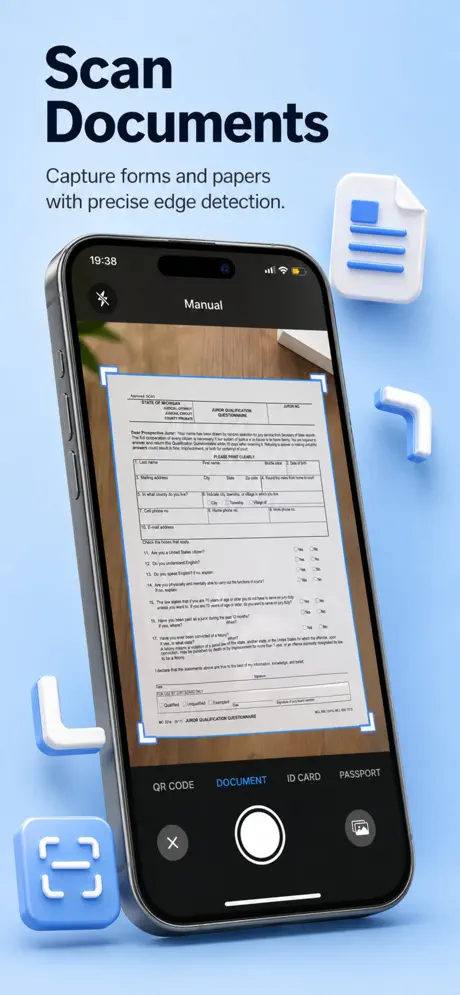
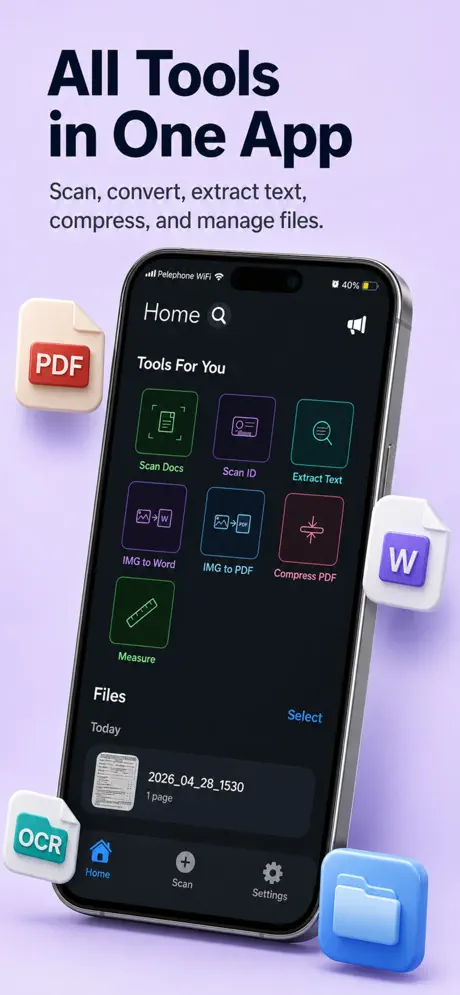
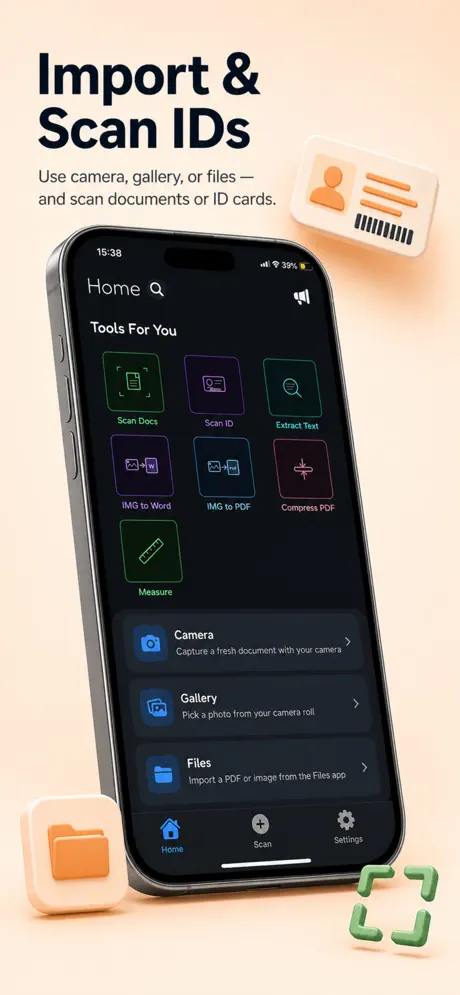
Scan documents, receipts, contracts, and IDs with your iPhone camera. Crisp results, every time.
Smart edge detection and perspective correction automatically straightens every page for a clean, professional look.
Save your scans as multi‑page PDFs or high‑quality images — perfect for email, cloud, or print.
Shrink large PDFs without losing quality. Save storage, share faster, keep things crystal‑clear.
Add signatures and custom watermarks to any document in seconds. Send legally‑ready PDFs on the go.
No clutter, no learning curve. Just a beautifully simple workflow that gets out of your way.
From your first tap to a polished PDF in moments. See how PDF Scan & Edit transforms your iPhone into a portable document studio.
A workflow so simple, you'll wonder how you ever scanned without it.
Point your camera at any document. PDF Scan & Edit detects the edges and snaps a perfect, perspective‑corrected page.
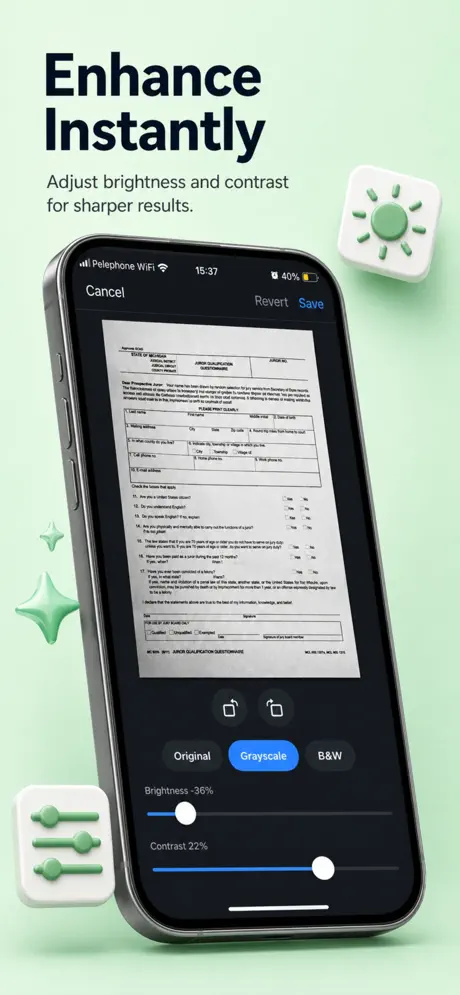
Reorder pages, tweak contrast, add a signature or watermark — everything you need in a single tidy editor.
Export as a compressed PDF or high‑resolution image, then send by email, save to Files, or upload to the cloud.
Carry a full PDF studio in your pocket. Download PDF Scan & Edit today and scan, sign, and share with one tap.
Download on the App Store